
How Ezzy ERP keeps your stock right
Live stock by item and variant
See stock by product, size and colour at any time, across firms and branches.
Purchase entry that adds stock
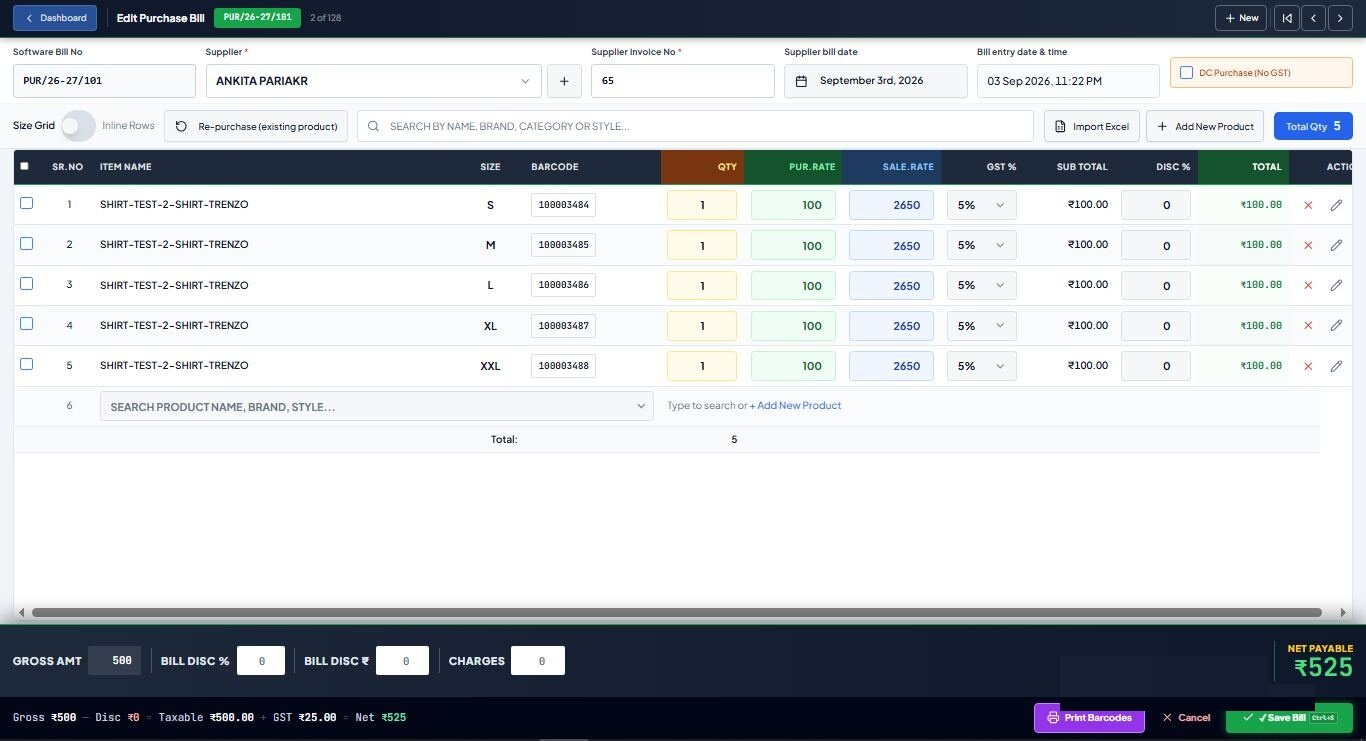
Enter purchase bills (with a size grid for garments and footwear), DC purchases and purchase returns.
Barcode on every item
Auto-generate or scan barcodes and print labels, so every sale takes the right item out of stock.
Low-stock and reorder reports
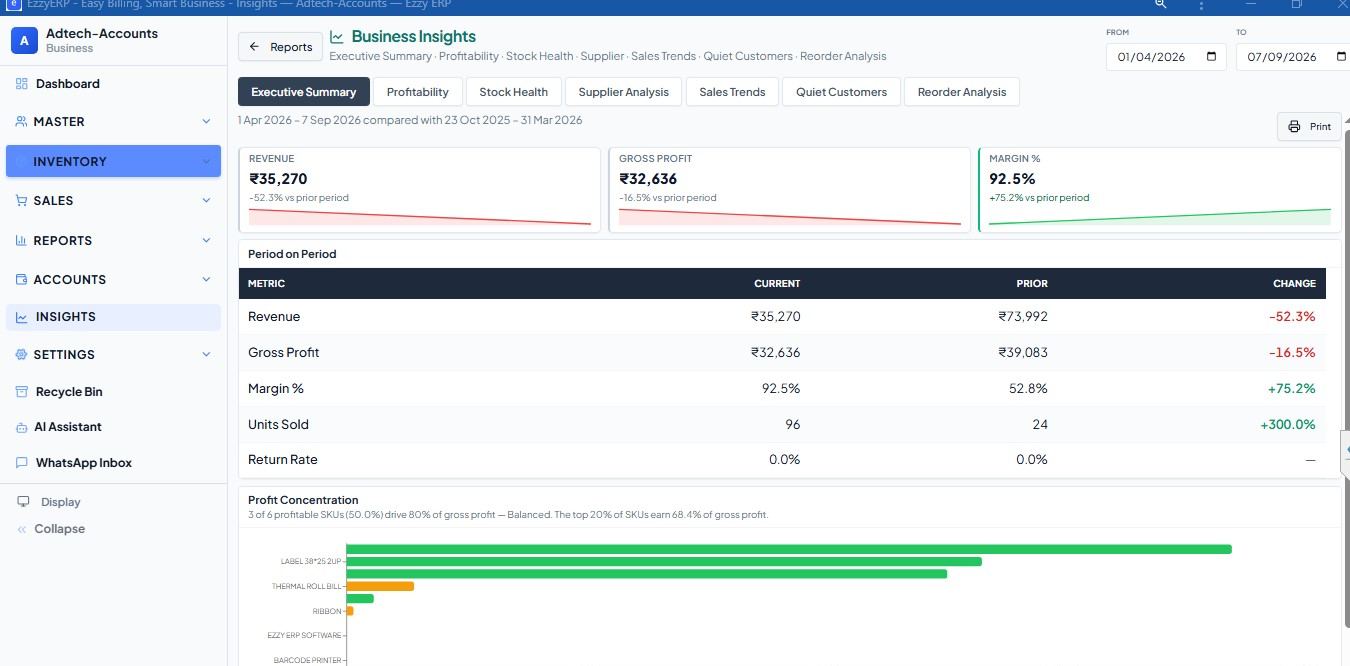
Know what to buy before it runs out, with batch and low-stock alerts.
Dead stock and stock health
Find items that have not sold in 60 or 90 days, and see the value of your stock.
Stock settlement and adjustments
Count the shelf, correct the difference, and keep a record of every adjustment.
See all 12 modules · Look inside the software · Printers and scanners
Why inventory and billing should be one system
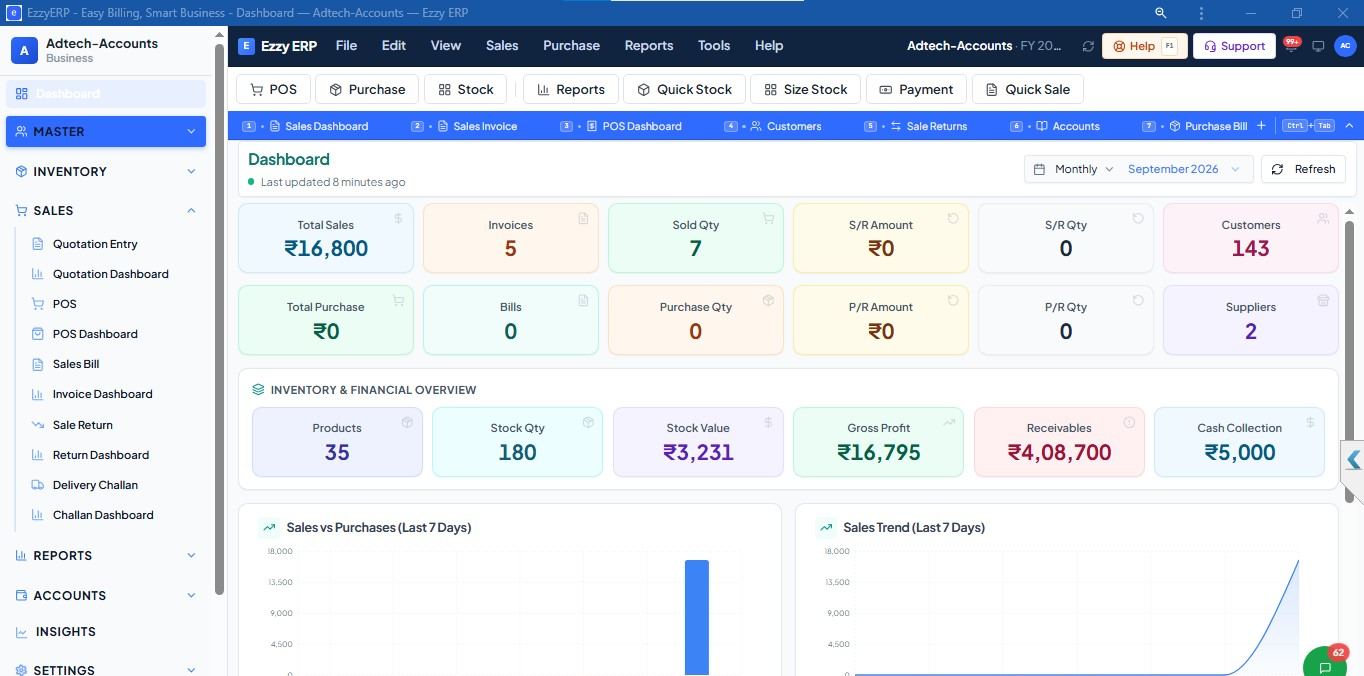
When stock lives in a separate register or spreadsheet, it is always a few days behind. In Ezzy ERP every bill, return and purchase updates stock the moment it is saved, so reorder and dead stock reports are based on what really happened today.
The owner sees stock, sale and dues on the Android app, and staff only see what their rights allow.
Inventory for every kind of shop
Garment and textile shops
Size and colour matrix, design number labels and size-wise reports.
Footwear shops
Article and size-run stock with box labels.
Mobile and electronics stores
IMEI and serial number tracking for every unit.
Supermarkets and kirana
Fast barcode billing with batch and low-stock alerts.
Guides for shop owners
Questions shop owners ask us
What is retail inventory management software?
It keeps track of the stock in your shop: what you bought, what you sold, what is left and what to reorder. In Ezzy ERP it works together with billing, so stock updates with every bill and purchase.
Can I track stock size-wise and colour-wise?
Yes. Stock is kept by product, size and colour, with size-wise stock and sales reports.
Does it show which items to reorder?
Yes. Low-stock alerts and reorder reports show what is running out, and dead stock reports show what is not selling.
Can I print barcode labels for my items?
Yes. Print 38×25, 40×25 2-up and other labels from the purchase bill or item list, on printers we supply and set up.
Can I see stock for more than one branch?
Yes. Switch between firms and branches on one login, each with its own stock and books.
How do I get a free demo?
Book a demo on this website, or call or WhatsApp +91 84240 34844. We show you the billing screen with your own products and labels, and train your staff on the phone in your language.
Also see
See it on your own products.
A free demo of the billing screen your shop would use, with your items and labels.