
Barcode label sizes for clothing tags: 38×25 vs 40×25 vs 50×25 mm
By the Ezzy ERP team · · 5 min read
The label size you pick decides how much you can print on a tag, how fast your printer runs, and whether the barcode still scans after the garment has been tried on five times. Most garment shops in India use one of three sizes: 38×25 mm, 40×25 mm or 50×25 mm.
Here is how they compare, which roll layout to buy, and what to print on each tag.
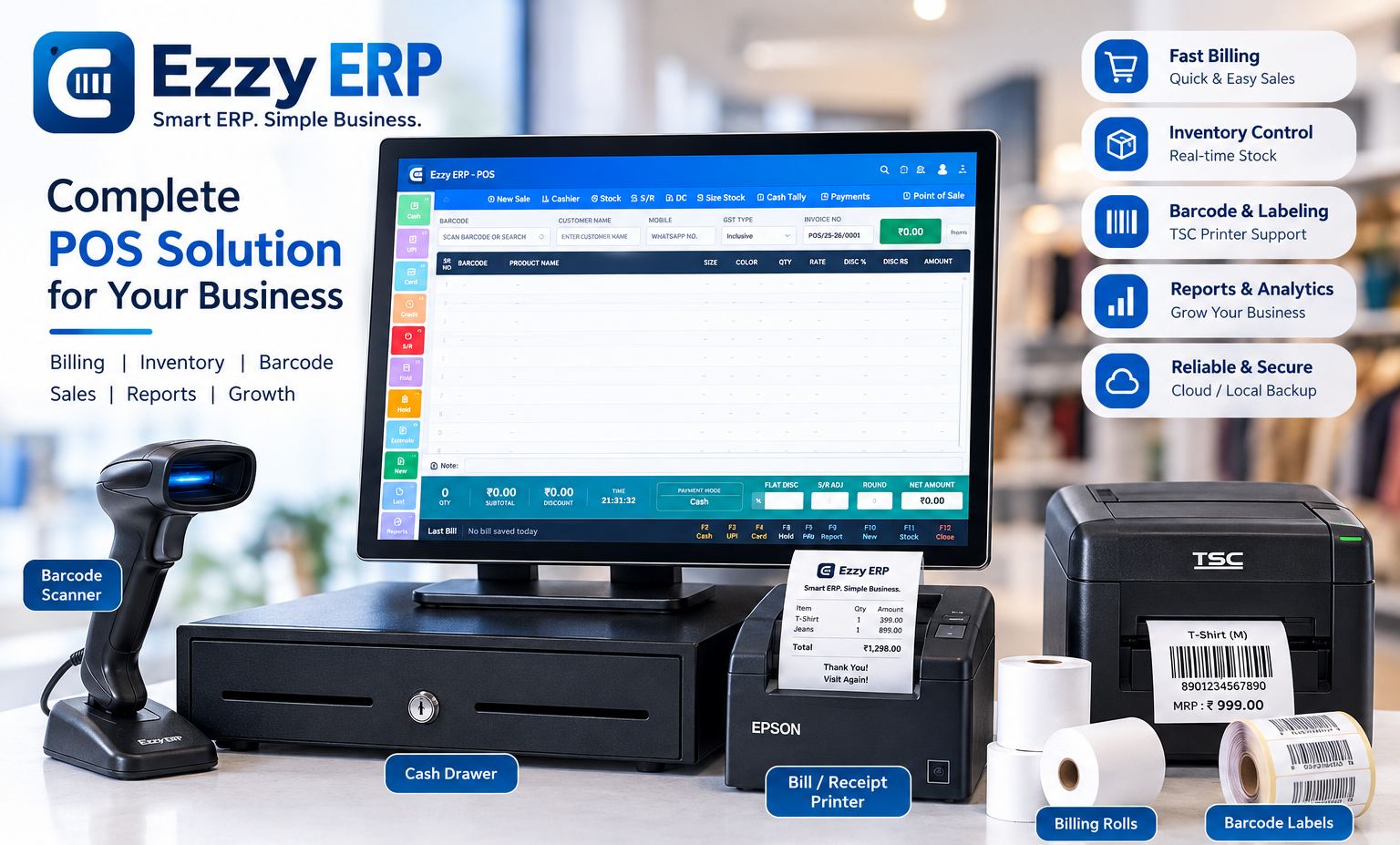
The three common sizes compared
Sizes are width × height in millimetres. All three fit a standard 4-inch desktop barcode printer.
| Size | Good for | Fits comfortably |
|---|---|---|
| 38×25 mm | Shirts, T-shirts, kids wear, most readymade | Shop name, barcode, size, MRP |
| 40×25 mm | The same items, with a little more room | Adds design number (D.No) or colour |
| 50×25 mm | Sarees, suits, brand-wise stock, wholesale | Brand, D.No, size, colour, MRP and barcode |
1-up or 2-up rolls?
A 2-up roll has two labels side by side across the roll. With 38×25 or 40×25 labels, a 2-up roll uses the full width of a 4-inch printer and prints two tags at each step, so a purchase of 200 pieces prints in half the time.
1-up rolls are easier when you print one or two tags at a time, for example to replace a torn tag. Most shops keep 2-up rolls for purchase entry and a small 1-up roll for reprints, or simply reprint a pair on a 2-up roll.
What to print on a garment tag
- The barcode itself. Code 128 is the usual choice: it is compact and every scanner reads it.
- Size, in large type, so staff can find a size on the rack without scanning.
- MRP, with "incl. of all taxes".
- Design number (D.No) and colour, if you stock the same design in many colours.
- Shop name or brand, and the month of purchase as a short code if you want to spot old stock at a glance.
Leave a few millimetres of blank space on both sides of the barcode. A barcode printed edge to edge is the most common reason a tag will not scan.
Paper or polyester, direct thermal or ribbon
Chromo paper labels are the cheapest and work well for tags that stay on the hanger tag. For labels stuck on fabric or packets that get handled a lot, polyester labels last longer and do not tear.
Direct thermal printing needs no ribbon but fades with heat and sunlight, so it suits short-life labels. Thermal transfer printing uses a wax or wax-resin ribbon and gives a sharp barcode that lasts the season, which is why most garment shops use it. Printers such as the TSC TE244 can do both.
Print tags straight from the purchase bill
The slowest part of labelling is typing. If your software prints tags from the purchase bill, the quantity of each size and colour is already known, so the right number of tags comes out in one go, with the barcode already linked to the item.
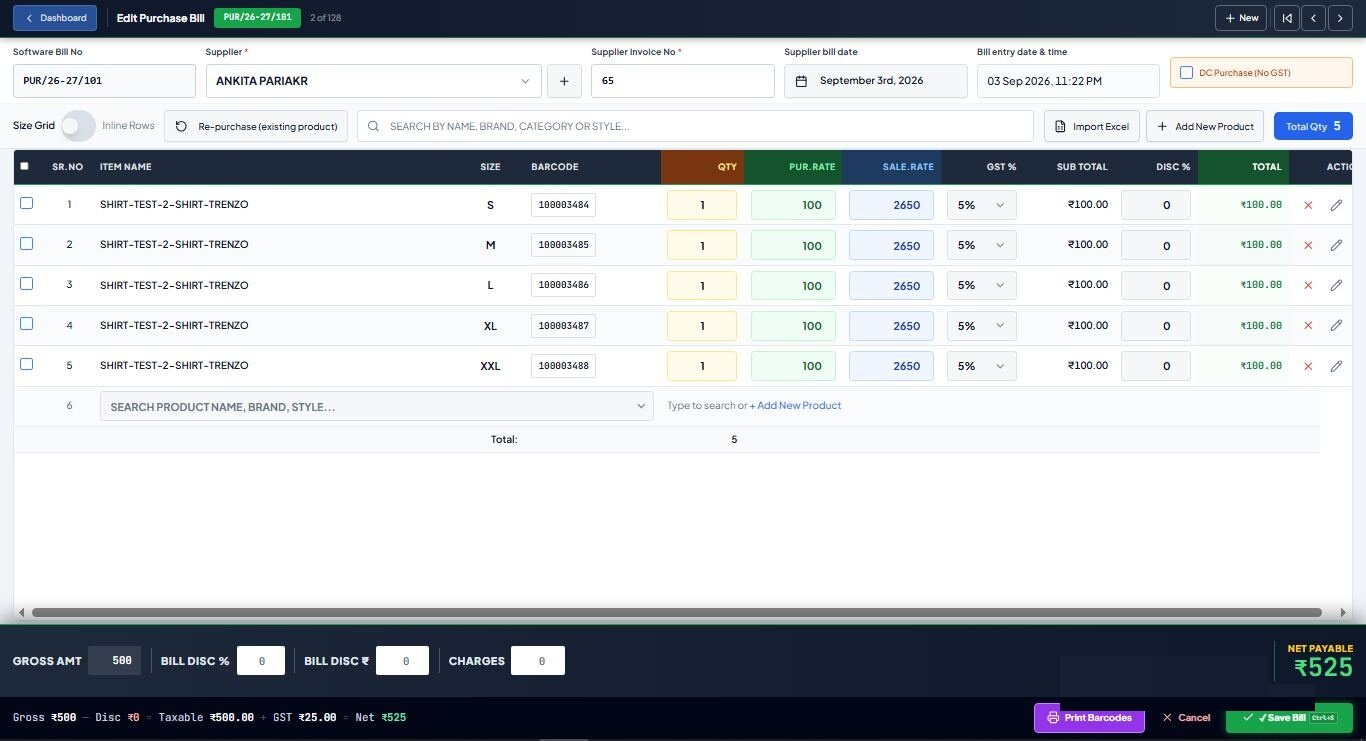
In Ezzy ERP you enter the purchase in a size grid and press Print Barcodes. The labels come out on 38×25 or 40×25 2-up rolls with the D.No, size, colour and MRP filled in, and the counter can bill with one scan.
Frequently asked questions
What is the best barcode label size for clothing?
38×25 mm or 40×25 mm on a 2-up roll suits most readymade garments. Choose 50×25 mm when you need to print brand, design number, colour, size and MRP on one tag.
Which barcode type is used for garment tags?
Code 128 is the most common. It packs an item code into a small width and is read by every barcode scanner.
Do I need a ribbon for my barcode printer?
Only for thermal transfer printing, which gives long-lasting labels. Direct thermal labels need no ribbon but fade over time.
Which printer prints 2-up 38×25 labels?
Any 4-inch desktop barcode printer, such as the TSC TE244. Ezzy ERP supplies and sets up the printer with your label format.