
How to find dead stock in a clothing shop before the season ends
By the Ezzy ERP team · · 5 min read
Dead stock is the money you cannot see. A rack of last season's designs looks like stock, but it is cash you paid to suppliers that is not coming back until it sells. In fashion, every week it waits, it is worth less.
The fix is to spot slow stock early, while it can still sell at a fair price. Here is how.
What counts as dead stock
Use days since the last sale, not days since purchase. A practical rule for clothing: items with no sale in 60 days are slow, and items with no sale in 90 days are dead for this season. Footwear and basics can wait longer; fashion and festival wear cannot.
Why it builds up
- Buying full size runs when only the middle sizes sell.
- Re-ordering a design because it sold well last year, without checking this year's sale.
- Untagged or wrongly tagged pieces that stock reports cannot see.
- Broken size and colour sets: one design left only in XXL or in one colour.
How to find it every month
- Run a dead stock report by days idle (60 and 90 days), sorted by stock value.
- Check size-wise stock for broken sets in designs that are still selling.
- Walk the racks with the report and a barcode scanner, and pull the pieces out.
- Note the supplier and design of each dead item, so you buy less of it next time.
Ways to clear it
- Move it to the front of the shop and change the display before discounting.
- Bundle offers: two slow pieces for the price of one and a half.
- Send a WhatsApp offer to regular customers who bought that brand or size before.
- Return or exchange with the supplier, if your terms allow, before the season ends.
- End-of-season sale. Remember GST is charged on the sale value after the discount; see our GST on clothes guide.
Prevent it next season
Plan purchases from your size-wise sales, not from memory. Our guide to size and colour stock explains how to read your size curve.
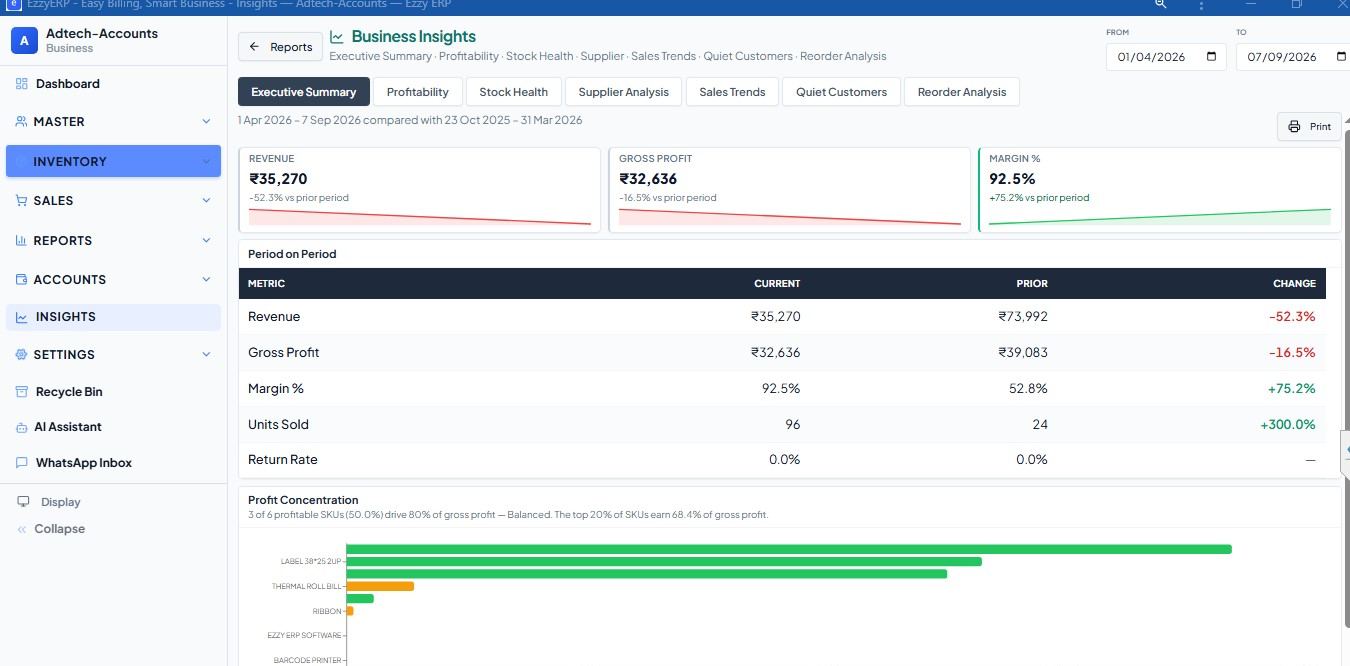
Ezzy ERP garment billing software shows dead stock by days idle, size-wise stock and sales, and profit by item, and sends offers to customers on WhatsApp. Footwear shops get the same reports in Ezzy ERP for footwear.
Frequently asked questions
What is dead stock in a garment shop?
Clothing that has not sold for a long time, usually 90 days or more since the last sale, and is unlikely to sell at full price this season.
How do I find dead stock?
Run a report of items with no sale in 60 or 90 days, sorted by stock value, then check them on the racks with a barcode scanner.
How can I clear dead stock without big losses?
Act early: change the display, make bundle offers, message regular customers, return to suppliers where possible, and keep deep discounts for the end of season.
Can billing software show dead stock?
Yes. Ezzy ERP has a dead stock report by days idle, along with size-wise stock and profit by item.