
How to manage size and colour stock in a garment shop
By the Ezzy ERP team · · 6 min read
A clothing shop does not stock "a shirt". It stocks one design in five sizes and four colours, which is twenty different items on the rack. When stock is kept only by design, you find out that the medium in blue is finished when a customer asks for it.
Size and colour stock management fixes that. It sounds like extra work, but with the right method it takes less time than counting by hand. Here is the method, step by step.
Step 1: Give every design a number
Start with a design number (D.No) for each style you buy, usually the one on the supplier's bill. Sizes and colours then hang under that design. This keeps reports readable: you see "D.No 2047, blue, M: 3 left" instead of a long list of unrelated item codes.
Step 2: Fix your size sets
Most shops use only a handful of size sets. Set them up once and reuse them for every purchase.
| Category | Typical size set |
|---|---|
| Shirts, T-shirts, kurtas | S, M, L, XL, XXL |
| Trousers and jeans | 28, 30, 32, 34, 36, 38, 40 |
| Kids wear | By age: 1-2, 2-3, 3-4 years and up |
| Ladies' readymade | S to XXL, or 32 to 44 |
| Free size (sarees, dupattas) | One size, tracked by colour only |
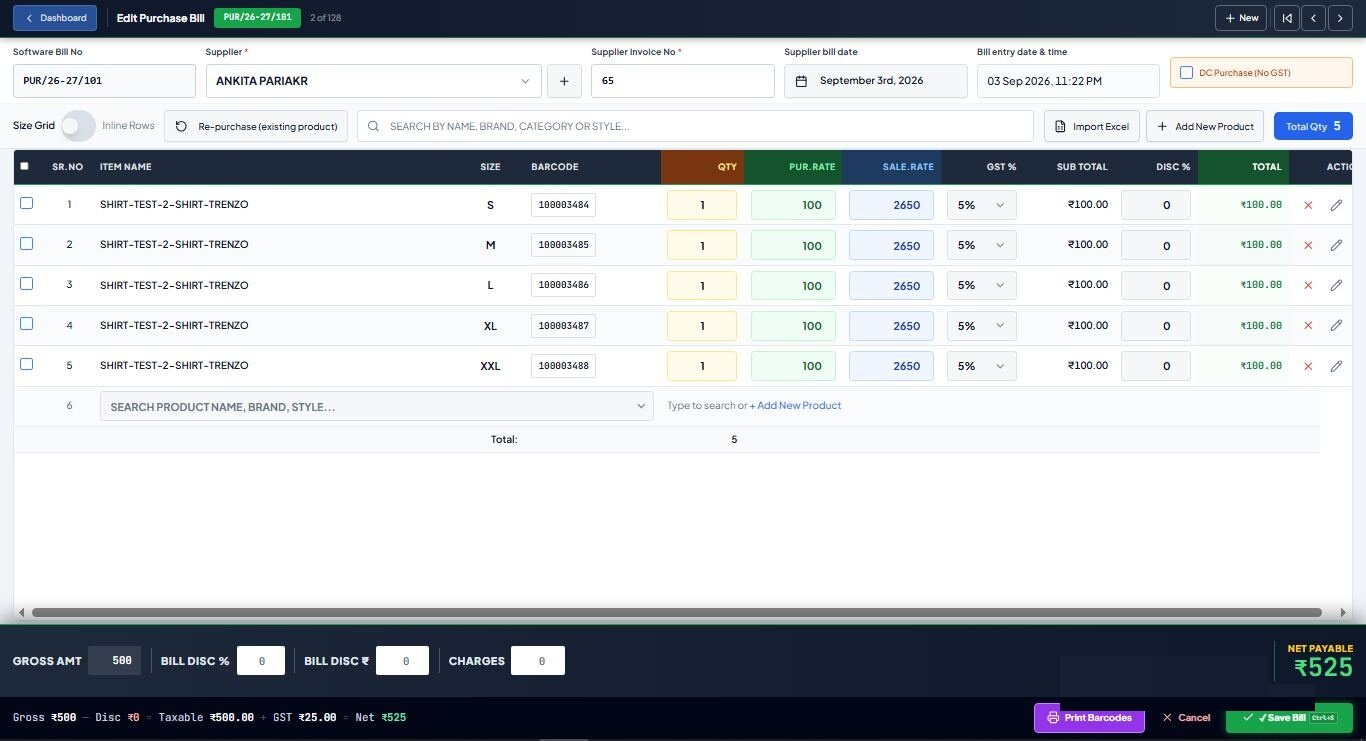
Step 3: Enter purchases in a size grid
Enter each design and colour as one row, with a column for each size. A purchase of one design in four colours and five sizes becomes four rows instead of twenty lines, and the total quantity is checked against the supplier's bill before you save.
Step 4: Tag every piece from the same entry
Print the barcode tags from the purchase entry, so each tag already carries the right design, size, colour and MRP. Tag pieces before they reach the rack. An untagged piece is the one that gets billed as the wrong size and breaks your stock.
Not sure which tag to buy? Read our guide to barcode label sizes for clothing tags.
Step 5: Bill by scan, return by scan
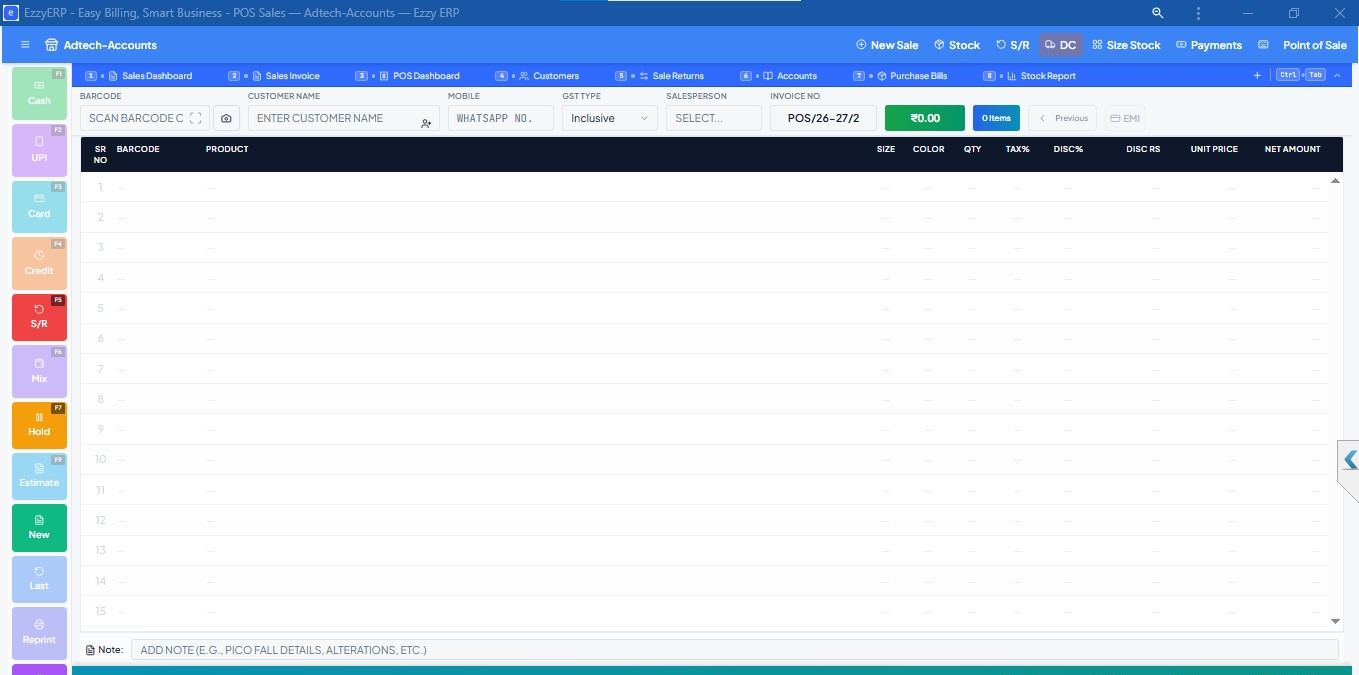
When every sale and return is scanned, stock by size stays correct without any extra work. Exchanges matter here: a customer swapping an M for an L must put the M back into stock and take the L out. Do the exchange on the billing screen, not as a cash adjustment.
Step 6: Read three reports every week
- Size-wise stock: which sizes are left in each design and colour. Reorder the sizes that sell, not the whole size set.
- Size-wise sales: over a season this shows your real size curve, for example that M and L sell twice as much as S and XXL. Use it to plan your next order.
- Dead stock by days idle: designs that have not sold in 60 or 90 days. Move them to the front, bundle them, or plan a sale before the season ends.
Step 7: Check stock one rack at a time
A full stock count shuts the shop. Instead, check one rack or one brand each week with a scanner and compare it with the stock in your software. Differences show up early, while you still remember the bills that caused them.
Where software helps
All of this can be done in a register, but it takes hours. Ezzy ERP was built around the size and colour matrix: size-grid purchase entry, design number tags printed from the bill, one-scan billing and exchanges, and size-wise stock, sales and dead stock reports.
Frequently asked questions
What is size-wise stock management?
Keeping stock by design, size and colour instead of by design alone, so you know exactly which sizes are left in each colour and what to reorder.
How do I track garment stock by size and colour?
Give each style a design number, enter purchases in a size grid, print barcode tags from the purchase, and scan every sale and return. Your stock by size then stays correct by itself.
How often should a garment shop count stock?
Check one rack or brand each week with a scanner rather than closing the shop for a full count, and do a full count once or twice a year.
Which software is best for size and colour stock?
Choose software with size-grid purchase entry, barcode tags from the purchase bill and size-wise reports. Ezzy ERP has all three, along with GST billing and an Android app.