
Footwear shop stock by article and size run: a simple method
By the Ezzy ERP team · · 6 min read
In a footwear shop the stock problem is not how many pairs you have. It is whether you have a size 8 in black when the customer is standing at the counter. One article in eight sizes and three colours is twenty-four different stock items, and the size you run out of is the sale you lose.
This method keeps footwear stock right by article and size run, without counting the shelves every week.
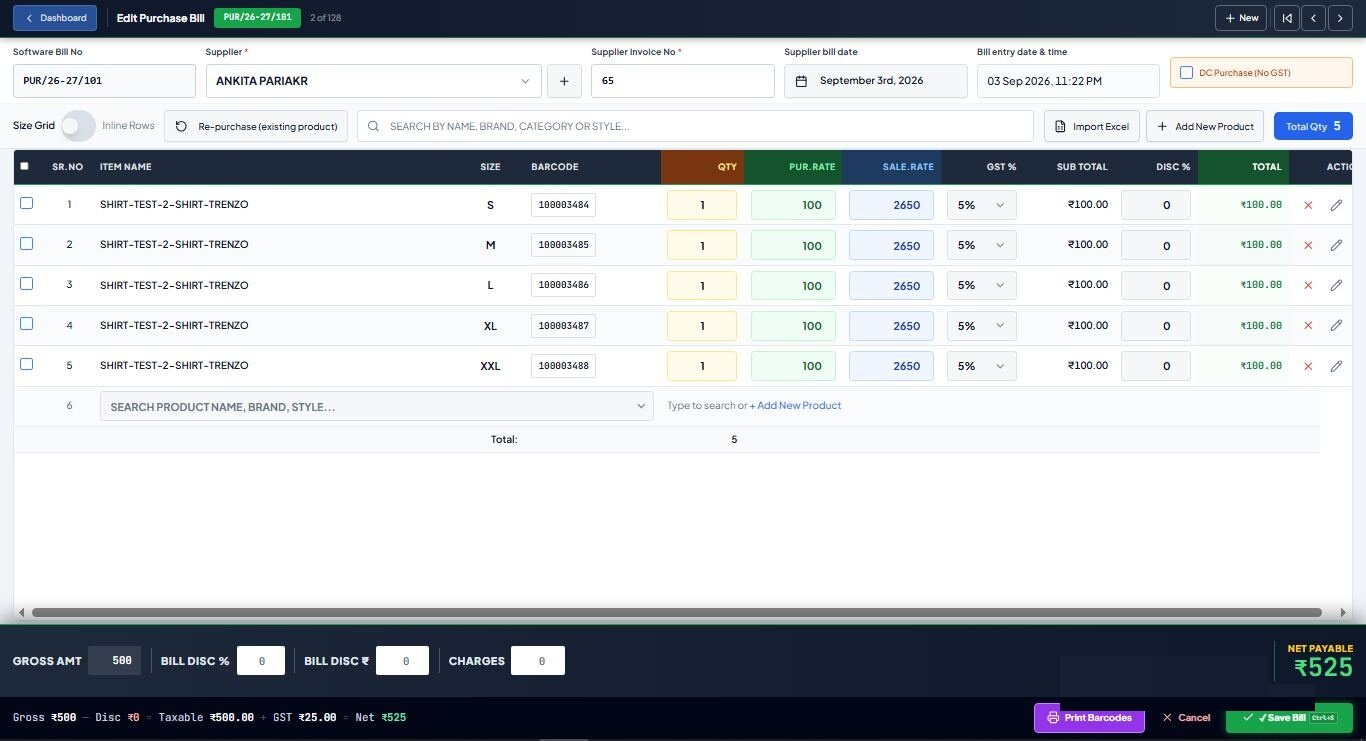
Step 1: Article number first
Use the brand's article number (or your own) as the main item, with colour and size under it. Reports then read "Article 7712, black: sizes 6 and 11 left", which is what you need to reorder.
Step 2: Fix your size runs
Set each run once in your software and reuse it on every purchase.
| Category | Typical size run |
|---|---|
| Men's | 6 to 11 (UK/India) |
| Women's | 3 to 8 |
| Kids | By age or size number, e.g. 8C to 13C, 1 to 5 |
| Sports shoes | Often include half sizes; set them up once |
Step 3: Enter purchases in a size grid and label every box
Enter one row per article and colour, with a column for each size. Then print a label for every box with article, size, colour and MRP from the same entry. A box without a label is the box that gets billed wrong.
See which barcode printer to buy if you are setting one up.
Step 4: Bill at MRP, by scan
Footwear is sold at MRP with GST inside the price. Scanning the box label brings up the right article, size and price, and takes that pair out of stock. Footwear up to ₹2,500 a pair carries 5% GST and above that 18%, so per-line GST matters here too; our GST guide explains how discounts affect the slab.
Do size exchanges on the billing screen, so the returned pair goes back into stock in its size.
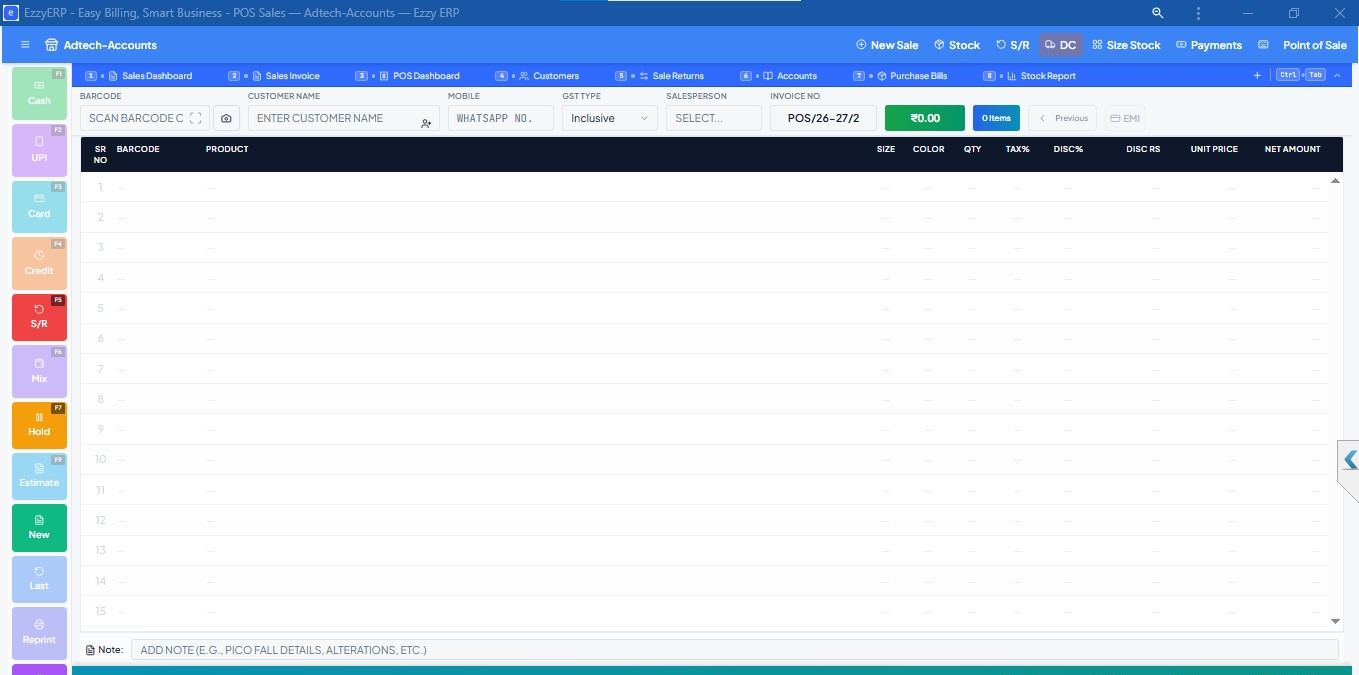
Step 5: Reorder by size, not by article
- Size-wise stock: which sizes are left in each article and colour.
- Size-wise sales: your real size curve. In most shops the middle sizes sell several times more than the ends of the run.
- Reorder the sizes that sell, instead of buying a full size run again.
Step 6: Clear broken size runs early
An article left with only sizes 6 and 11 rarely sells at full price. Find broken runs and slow articles with a dead stock report every month, and move them to a discount rack before the season ends. Our guide on finding dead stock shows how.
Software that does this for you
Ezzy ERP footwear billing software has size-grid purchase entry, box labels from the purchase bill, MRP-mode billing, size exchanges, reorder and dead stock reports, and multi-branch stock, with printers and scanners supplied and set up by our team.
Frequently asked questions
How do footwear shops manage stock size-wise?
By keeping each article as one item with colour and size under it, entering purchases in a size grid, labelling every box and billing by scan. Stock by size then stays correct automatically.
What is a size run in footwear?
The range of sizes an article comes in, for example 6 to 11 for men's shoes. Shops track stock and sales for each size in the run.
How do I know which footwear sizes to reorder?
Use a size-wise sales report. It shows which sizes sell fastest for each article, so you reorder those sizes instead of a full run.
What is the GST on footwear?
5% for footwear up to ₹2,500 per pair and 18% above it, from 22 September 2025. Confirm HSN codes with your CA.