
Which barcode printer to buy for a garment shop (TSC, TVS, Zebra)
By the Ezzy ERP team · · 6 min read
A garment shop prints hundreds of tags after every purchase, so the barcode printer is the one piece of hardware you will use every week. The good news is that you do not need an expensive industrial machine. A 4-inch desktop label printer from a known brand does the job for most shops.
Here is what to look for, how the common brands compare, and the mistakes that make tags fail to scan.
What to look for
| Spec | What a garment shop needs | Why |
|---|---|---|
| Print width | 4 inch (about 104 mm) | Fits 2-up 38×25 or 40×25 rolls, so two tags print at each step |
| Resolution | 203 dpi | Sharp enough for Code 128 barcodes on clothing tags; 300 dpi only for very small labels |
| Print method | Thermal transfer (with ribbon), plus direct thermal | Ribbon prints last the season and do not fade in sunlight |
| Connection | USB; Ethernet if two counters share it | USB is simplest for one billing PC |
| Support | Service and spares in your city | A printer down during a sale stops tagging |
TSC, TVS and Zebra compared
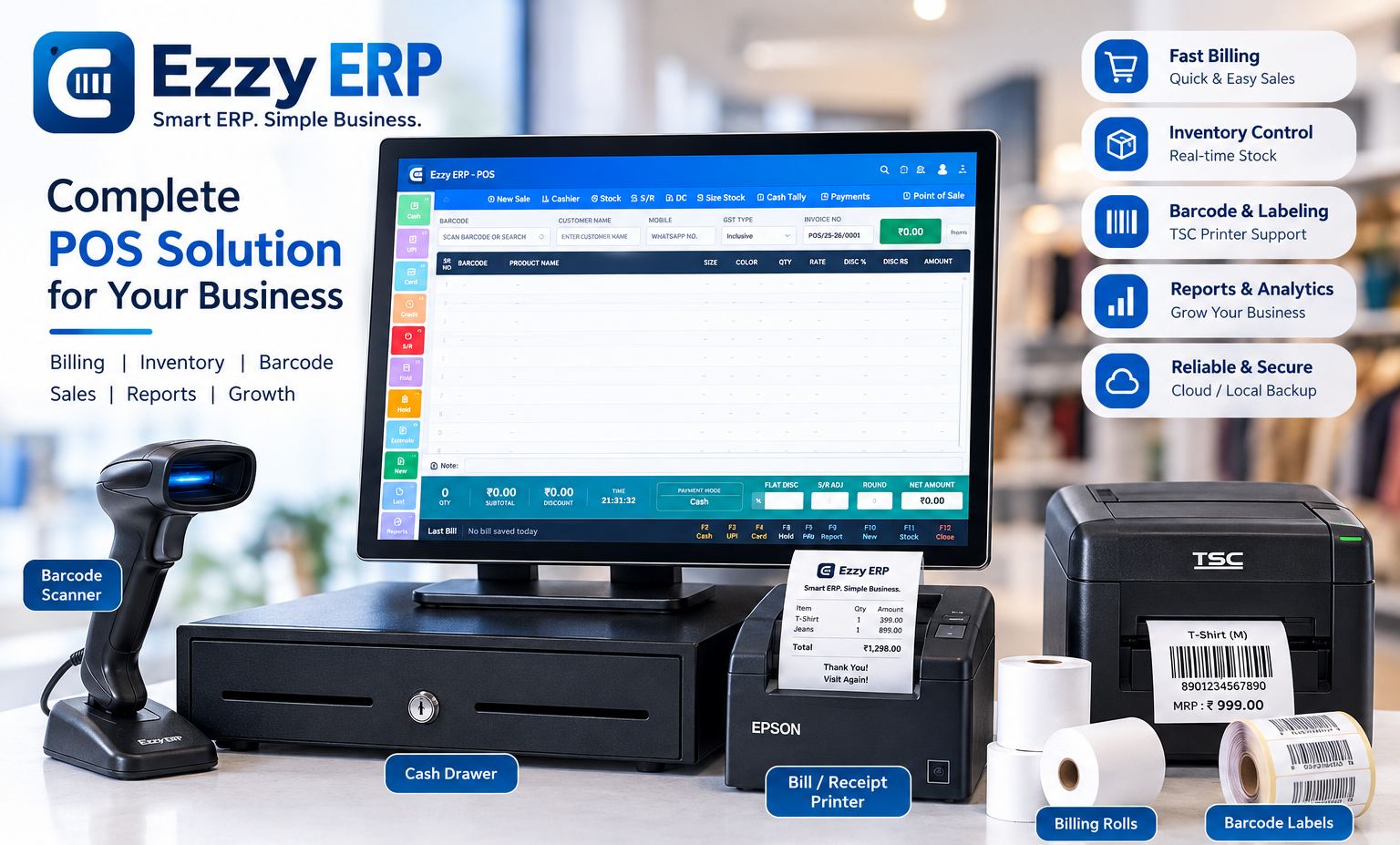
TSC desktop printers such as the TE244 are common in Indian garment shops: 4-inch, 203 dpi, thermal transfer and direct thermal, and simple to set up. This is the model we supply and set up with Ezzy ERP.
TVS Electronics makes desktop label printers sold widely through Indian dealers, which makes local service easy to find.
Zebra is a global brand with a strong range of desktop and industrial printers. Desktop models suit shops; industrial models suit warehouses printing thousands of labels a day.
All three work with garment billing software that sends standard label formats. Pick the one with the best local service where you are.
Ribbons and labels
- Use a wax ribbon with paper (chromo) labels; it is the cheapest and is enough for hang tags.
- Use wax-resin ribbon with polyester labels for stickers that get handled or rubbed.
- Buy ribbon a little wider than your label roll, and check that the ribbon's ink side matches your printer (inside or outside wound).
- Read our guide to barcode label sizes for clothing tags before ordering rolls.
Mistakes that make tags fail to scan
- Print darkness set too low, so bars are grey and broken.
- Barcode printed to the edge of the label with no blank space on the sides.
- Wrong label size set in the driver, so tags print across the gap between labels.
- Direct thermal labels left in a sunny window, which fade within weeks.
When we install a printer with Ezzy ERP, we set the label size, darkness and layout and print test tags from a real purchase bill before we leave.
Print tags straight from the purchase bill
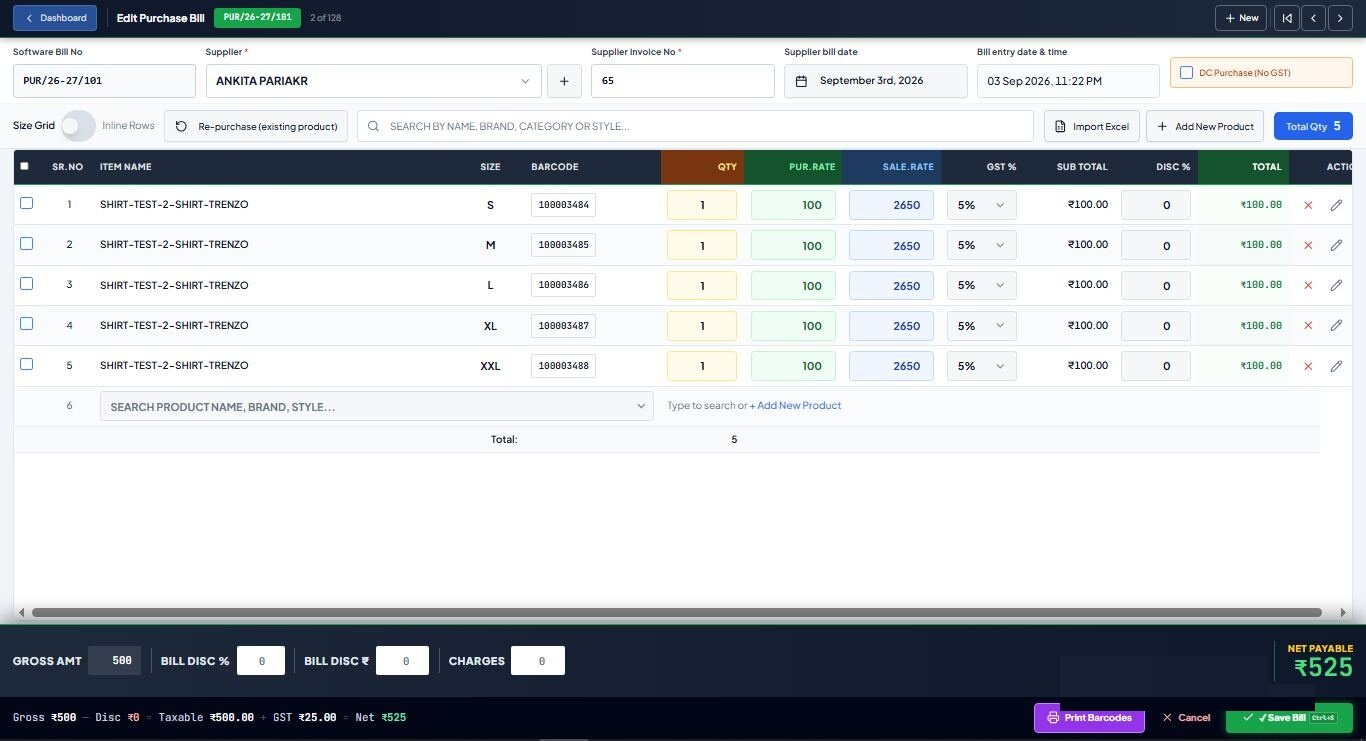
The printer is only half the job. With garment billing software that prints from the purchase entry, the right number of tags for every size and colour comes out in one go, already linked to the item for one-scan billing. Footwear shops can do the same for every box with footwear billing software.
Frequently asked questions
Which barcode printer is best for a garment shop?
A 4-inch, 203 dpi desktop thermal transfer printer from a brand with local service, such as TSC, TVS or Zebra. Ezzy ERP supplies and sets up the TSC TE244.
Do I need 300 dpi for clothing tags?
No. 203 dpi prints clear Code 128 barcodes on 38×25 and larger tags. 300 dpi helps only for very small labels.
Thermal transfer or direct thermal for garments?
Thermal transfer, with a ribbon. The print lasts through the season and does not fade with heat or sunlight.
Can one barcode printer serve two billing counters?
Yes, with a network (Ethernet) printer or by sharing it from one PC. For most shops, printing tags happens at the purchase desk, not the counter.